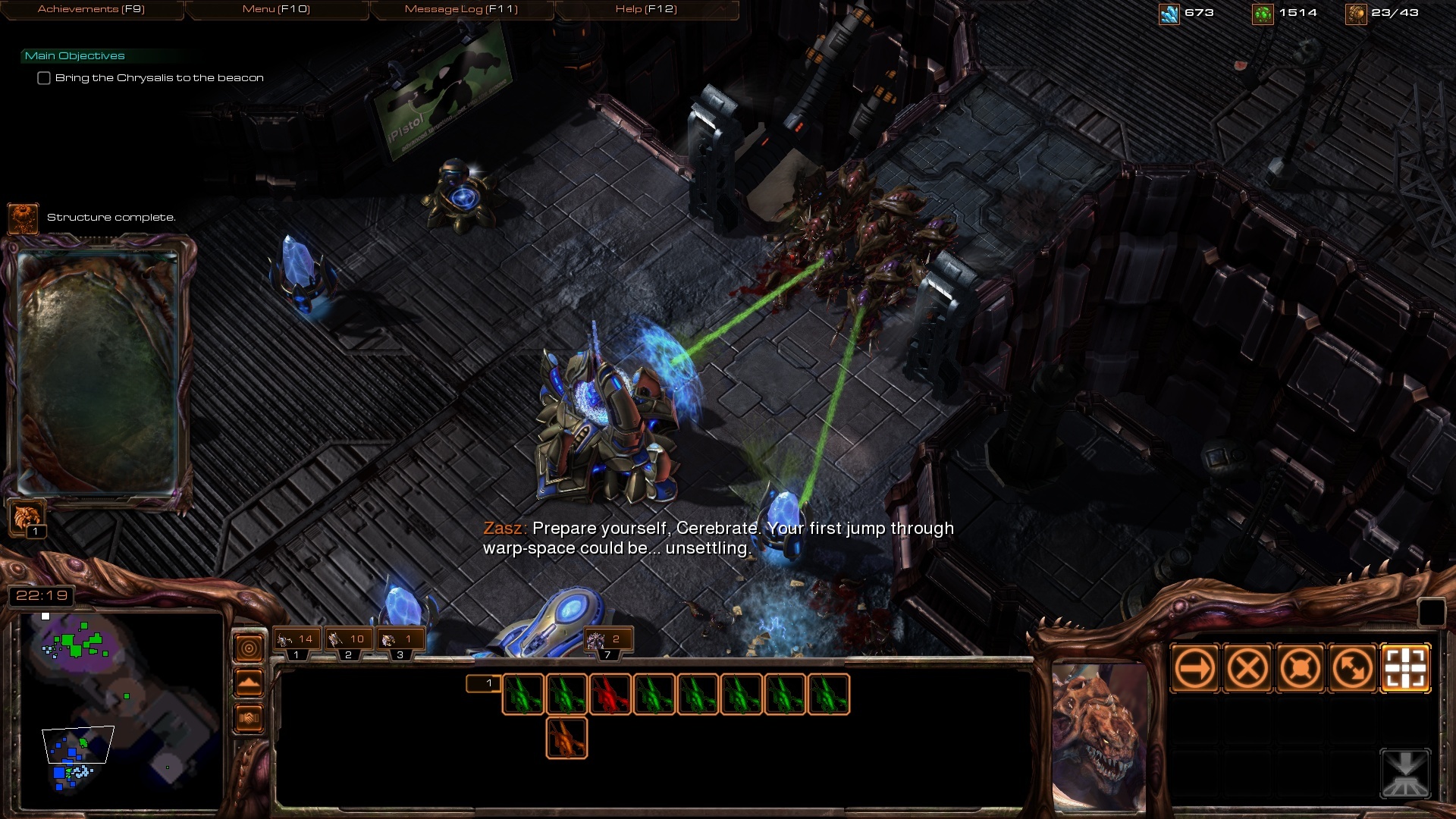
SC1 Episode 2 - Overmind
*************************************************************
Starcraft: Mass Recall has moved!
for the latest versions, click here to visit the new project page
*************************************************************
Starcraft: Episode II - Overmind
the complete Zerg campaign
| Episode list | |
|---|---|
| Episode I - Rebel Yell | by Ultraling & Jones |
| Episode II - Overmind | by Jones |
| Episode III - The Fall | by christdaugherty |
| Episode IV - The Stand | by Telenil & Jimm3110 |
| Episode V - The Iron Fist | by Jones |
| Episode VI - Queen of Blades | by Telenil, Jones & Jimm3110 |
also check out the project thread at TeamLiquid
The second installment of the classic Starcraft campaigns. Uses the same mod file as the previous episode, and again, credit for the mod goes to MavercK. Also thanks to Ultraling for his initial work on the Terran episode, and GnaReffotsirk and others for the amazing unit models.
Features
- all 10 original missions
- original SC1 units and structures with original stats, including custom models
- original SC1 Zerg soundtrack
- all the dialogue, voice acting & other miscellaneous text from the original campaign
"Artistic License"
(some notable differences from the original campaign)
- Lurkers! Because who doesn't love Lurkers?
- Mission 5 "The Amerigo" - yep, like it or absolutely hate it, the third person "shooter" action is back
- two difficulty levels - with a somewhat more aggressive AI than in the original, in order to provide some challenge to the average player
Downloads
Links to the latest versions, by language. You will need both the maps and the mod file to play (see "How to play" below). For older versions, check the "Files" section.
English version
- Map pack - v1.5
- Mod file - v4.7b
- Mod file (for grid hotkeys) - v4.7
- Campaign Launcher - v1.1
French version
- Map pack - v1.03
- Mod file - vC.3.3
- Campaign Launcher - v1.1
German version
- Map pack - v1.5
- Mod file - v4.7b
- Campaign Launcher - v1.1
Episode 3 - German
Russian version
- Map pack - v1.04b
- Mod file - v4.2
- Campaign Launcher - v1.1
Italian version
Korean version
How to play
- extract the mod file (SC1BWmod) to your "Mods" folder in your Starcraft 2 install directory (NOT the folder under "My Documents")
- extract the map pack to the "Maps" folder in your Starcraft 2 install directory (create the folder if it doesn't exist)
- extract the Campaign Launcher & setup to the same "Maps" folder (not the campaign folder)
Campaign Launcher installation:
- launch the Starcraft 2 editor
- open the setup map named SCMRsetup in your Maps folder and click the "test document" button on the top right (or press ctrl+F9)
- wait until the launcher loads and you're at the title screen, then save the game and exit the map (press esc or F10 to open the game menu)
- find the save file (named "Starcraft - Mass Recall" by default) in (your home/documents folder)/Starcraft II/Saves/VersusAI
- copy or move the save file to the saves folder under your account folder (your home/documents folder)/Starcraft II/Accounts/.../.../Saves/Multiplayer (for example; any of the save folders will do)
- Done! You can now log into the appropriate account and load the save from the load game-screen. You can use this save to play each episode.
more info:
- You can copy the save file to whatever accounts you want. For example, if you want to play offline, copy it to your guest account folder.
- If you're unsure of the right folders or can't find the Starcraft II documents folder, log into an account of your choice in SC2, go to the load game-screen, click on a save and click the "show in folder"-button. It will take you to the appropriate saves folder.
Troubleshooting & known issues
Credits
- Original campaign by Blizzard
- Remake by Jones
- The original mod "Starcraft 2 Brood War" by MavercK
- with additional tweaks by christdaugherty, Superfield, Jones, Telenil, Jimm
custom models/textures
- GnaReffotsirk (Carrier, Shuttle, Queen, Guardian)
- Snowflake Entertainment/Project Revolution (Reaver, Corsair, Defiler, Valkyrie), reworked by GnaReffotsirk (with help from NiNToxicated, DeveRR0, Phygis)
- GhostNova91 (Devourer, Raszagal / Female High Templar, Duran portrait, Protoss / Xel'Naga Temple, UED flag)
- buhhy (Dragoon)
- SoulFilcher (Ion Cannon, Duran hero icon)
- Thrikodias (Observatory, Psi Emitter, Xel'Naga Stasis Cell)
- Alpha & Omega Squadron decals by TooMuchTuch
- Third Person Shooter engine by martinolsson
- easy difficulty & other miscellaneous tweaks by Telenil
- French translation by Choum28
- Russian translation by Jimm3110, Virussoft (original translation & dubbing: Fargus Multimedia, 7Wolf)
- Italian translation/modification by Zarxiel93, TheTorrasque, JustSkorpyon
- German translation by FirefoxGhost
- Korean translation by storycraft
- as always, thanks to Hati for his SC2 Localizer
Music
- Starcraft soundtrack by Derek Duke, Glenn Stafford, Tracy W. Bush
- "Trainstation PT.2", "Guard Down" by Kelly Bailey (The Orange Box Original Soundtrack)
- "The Maw", "Under Cover of Night" by Martin O'Donnell & Michael Salvatori (Halo Original Soundtrack)
- "Chapel of Evil" by Russell Shaw (Fable: The Lost Chapters Original Soundtrack)
- special thanks to Telenil, christdaugherty, Superfield and Jimm3110 for their enthusiasm and work on the project.
PLEASE NOTE that this is a completely unofficial, non-profit, fan-made remake and in no way affiliated with Activision Blizzard.
Comments


-

karlprojektorinski Owner
-

_ForgeUser4476646 Author
-
_ForgeUser7040982 Translator
-
_ForgeUser7536702 Translator
-

FirefoxGhost Translator
-
View User Profile
-
Send Message
Posted Oct 1, 2013Hi, first of all thank you for all your hard work time and effort.
I don't know if this has been mentioned or not but..
Overmind mission 3: I can build a queens nest but can't spawn queens? My larva think one day they might be a defiler, the defiler mound can't be built? Building the Queens nest says I'll be able to get access to Queens and 'HIVE', but can't mutate hive? I can't recall if Queens, Defilers or Hives were build-able on this map? That said the tech tree isn't right as the aforementioned points show.
I also noticed at the hydralisk den i can research 'lurkers', lol. HOWEVER , once researched I can't morph my hydras, Not that I should have been able too anyway being before broodwar haha.
anyway just though id let you know, thanks again.
-
View User Profile
-
Send Message
Posted Sep 1, 2013Hi Mod Team,
This project is awesome. I mean really, It's effing awesome. I have some comments though:
1.) HotS introduced an actual model for Sunken Colonies, so far I've seen only spine crawlers. Maybe you can use that.
2.) We all are nostalgic but I think changing the sound effects (unit responses, zealot/zergling attack) to the old one beats the purpose of this remake. I mean really, we loved the old game but I think it would be better if we used the modern SFX.
3.) Kerrigan's model should be the one used in WoL. I think the one used here is the Primal Kerrigan.
Anyway, I think I'm wrong with #3 but #2 is what I really want to communicate to you.
-
View User Profile
-
Send Message
Posted Jun 14, 2013can somebody pls tell me the name of the track that plays during the zerg mission 5 (not the expansion)
-
View User Profile
-
Send Message
Posted May 5, 2013Regarding difficulty, it seems to be a common misconception that the maps are more difficult compared to the original because the Starcraft 2 AI is just that much better. That has nothing to do with it - the AI is pretty much all manually scripted for each map, and for the most part the difficulty is right where we want it. That said, we'll probably make some adjustments for certain maps.
As for the weird research and buttons missing etc. - you might be able to fix some of this by playing in Wings of Liberty mode and turning off the simple command card option.
Youtube links for cinematics have been suggested a couple times. I'll just say we'll consider adding something like that as an optional feature.
-
View User Profile
-
Send Message
Posted Apr 20, 2013@JulianMartins: Go
Oddly enough, the button for the mutation into Lurkers appears only when the Hydralisks are burrowed. At least it did appear in Zerg 03 when I ordered them to burrow.
I've tried to infest a Command Center in Zerg 04 - the thing works and spawns the suicide terrans correctly, but there is a funny graphics bug related to the Command Center itself. It has a texture of infested Zergish creep-like surface under it, and if you order your Infested Command Center to take off, this texture will remain under the flying Command Center, and when you order it to move, it will actually MOVE along with your Infested Command Center and even the ground itself will twist and become flat in its wake, restoring itself when your flying abomination passes by.
-
View User Profile
-
Send Message
Posted Apr 13, 2013I finally made the final missions with a different strategy. I noticed that Queen's Spawn Broodlings doesn't have an energy cost shown in the tool tip. On mission 10, I had a HotS victory screen, but the mouse cursor was hidden, I couldn't really 'exit' the game.
Another general feedback : I think it would be cooler if you import SC1's mission pictures (the ones shown before the briefing) instead of SC2's planets. For ingame cinematics, I think importing them would make too big files, then maybe give a YouTube link when a cinematic should be shown ? (or maybe SC2Mapster simple links which contain the YouTube embedded video)
-
View User Profile
-
Send Message
Posted Apr 13, 2013@JulianMartins: Go
The Zerg issues are tech tree issues that are yet to be fixed. In The Stand the same thing happened where you could build Arbiter Tribunals in the earlier missions, even though you couldn't build Arbiters.
-
View User Profile
-
Send Message
Posted Apr 13, 2013Some issues I found:
In Rebel Yell, the eighth mission, there's an extremely rich resource patch in the top / top-left of the map, a circle of minerals where you should be able to set down your command center and harvest away. However, the placement is slighty off in this version, there's always a tiny corner that's too close to a deposit to be able to set down the CC. I was forced to set it down to the right of the circle.
In Overmind, the third mission where you can research Lurker Aspect. I did the research, but my hydralisks DON'T HAVE THE OPTION to mutate into Lurkers... does this also happen in the other missions? There are some all-around useless research and mutation options in this third mission, such as Guardian Aspect and Zergling Attack Speed, both of which require Hives, which aren't even available in this mission.
-
View User Profile
-
Send Message
Posted Apr 9, 2013@Danicela: Go
The A.I. is having problems understanding the "new" modded units, so it relies on what it does know. Without re-programming the A.I., this is the best that can be done.
-
View User Profile
-
Send Message
Posted Mar 29, 2013I find that the difficulty doesn't correspond to the SC1's original missions. Even if I set them to 'easy', they are far harder than the original missions, I notice that enemies' attacks are too strong, but their defense are less hard than in SC1. Their attacks are especially too strong in mission 8, and in mission 9. I can't even make the mission 9. The Protoss send many troops again and again and I can't just face it. I never had this problem in SC1, and note that I'm still on 'easy' difficulty ! Someone who just want to rediscover the story won't like that difficulty, especially when he sets 'easy' difficulty... (note that I did WoL campaign in Brutal then I don't think I'm too noob)
-
View User Profile
-
Send Message
Posted Mar 22, 2013@Rescue1: Go
Try right-clic -> Open With and set the SC2 Editor as the default program.
-
View User Profile
-
Send Message
Posted Mar 21, 2013HI im sorry but i think i messed somthign up and i need help . i have changed the "open with" to open with sc2 the actual game and now when i click on it the game opens up . how do i fix this . how to i change it back to the way it was? D: help plz . pm
-
View User Profile
-
Send Message
Posted Mar 16, 2013I used sc2allin1 to open maps for terran campaign and it worked, in the other campaigns it doesn't open, all i get is a message: cannot open map. Also, when a sunken colony attacks my whole game freezes. Any ideas how to fix this?
-
View User Profile
-
Send Message
Posted Mar 16, 2013Good work :D I now was translate all in italian. Only one think I don't like, the Protoss Temple model, the old one was better, this new is the Xel'Naga temple of Shakuras...
-
View User Profile
-
Send Message
Posted Mar 13, 2013Overmind is back.
First update in over a year includes an RTS mode for map 5, many visual changes, and most importantly - SC1BWmod support, meaning many new custom models, tweaks, fixes - simply a ton of upgrades all around.
This may seem like terrible, terrible timing but I wanted this out now (well, last week) as a final and playable Wings of Liberty version, simply because a potential bigger HotS update will probably not be done for months.
-
View User Profile
-
Send Message
Posted Feb 27, 2013@DanyBoy1234: Go
Yes we do. It will probably come with the HotS update.
-
View User Profile
-
Send Message
Posted Feb 21, 2013Great job with the final episode guys !
Are you planning to make a "classic" version for mission 5 of this episode like you did with mission 4 in episode 1 ? (I really like those kind of missions)
-
View User Profile
-
Send Message
Posted Jan 7, 2013Hello!
Hey guys, ABSOLUTELY WELL DONE!! I am trully surprised with this remake. It's absolutely stuning considering the work that is do all the missions from 0. I really like it!
Now I have some bugs that I want to tell ya. First on the zerg campaign i can't see the Devourer unit. Once it comes out of the shell it becomes "invisible", but it is there since i still got the population and it actually can attack and move.
Second, on the protoss campaign on the mission 9: Shadow Hunters, when you attack any of the cerebrates the fps slows down to 0. I actually had time to make me a sandwich and eat it while zeratul was killing the cerebrate. Also on that mission there might be some AI issues, since the zergs lack of anti air units on the field. The mutalisks just morf into guardians and there aren't enough hydralisks to counter a heavy air attack like a match scouts-carriers.
Thats all. Ohh and also I would like to see if you can finish all the 3D models for the units, since some units are just a deformation of some sc2 unit/building like the defiler or the most of the research buildings.
-
View User Profile
-
Send Message
Posted Sep 24, 2012@samejin: Go
The SC1mod and SC1BWmod need to be in Starcraft II/Mods/ Remember that, for now, you need version C3.3 of the mod to play Overmind and The Fall, but version 4.5 to play the other three campaigns. See the installation guide for details.
-
View User Profile
-
Send Message
Posted Sep 23, 2012I am getting a strange error. I launch using the Campaign Launcher. I select a campaign, a mission and as soon as the load screen comes up I get this error.
"Launch of the game makes reference to mod or map dependencies which are no longer Available."
The maps are extracted to "1 Rebel Yell" and so forth. Do the mods need to be into a unique folder in the "Mod" folder of SC2 or simply the naked file in the mod folder. HELP
Just hearing about other people playing it is making me jealous!! hehe